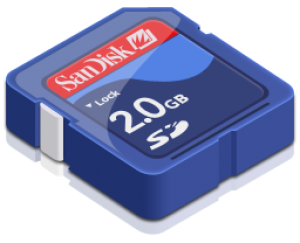
 Some Smart Phones only have 1 memory card option. In that case all installation and configuration files are also on this one memory card. If you would like to replace this memory card by a bigger memory card these files and configurations should be copied also. In this tutorial we would like to explain how to do this.
The goal is to copy (clone) the “partition” to the PC harddrive as one file. After that, the created file should be restored to the new memory card and the “partition” needs to be extended. Now we will explain how to do that in just a few steps.